Bulk Import Recipients
Import contacts from CSV or TXT files into Auto Text.
1 Creating a .TXT file
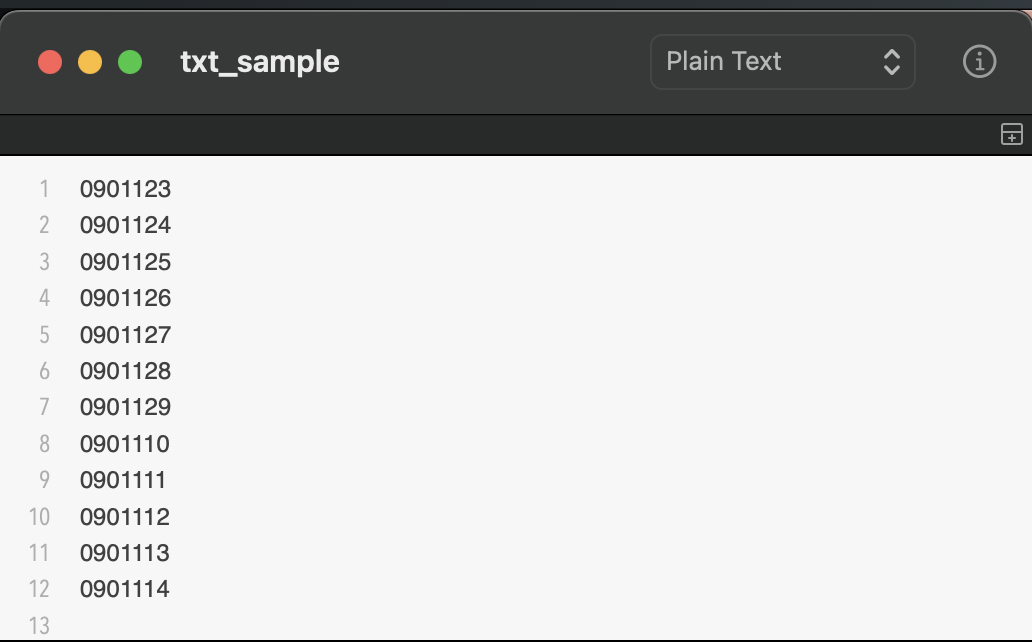
Create a text file containing the phone numbers, as shown in the image below. You can enter each phone number on a separate line or separate them with a comma. Then, save the file in .txt format.
2 Creating a .CSV file
1. open Excel or Google Sheets.
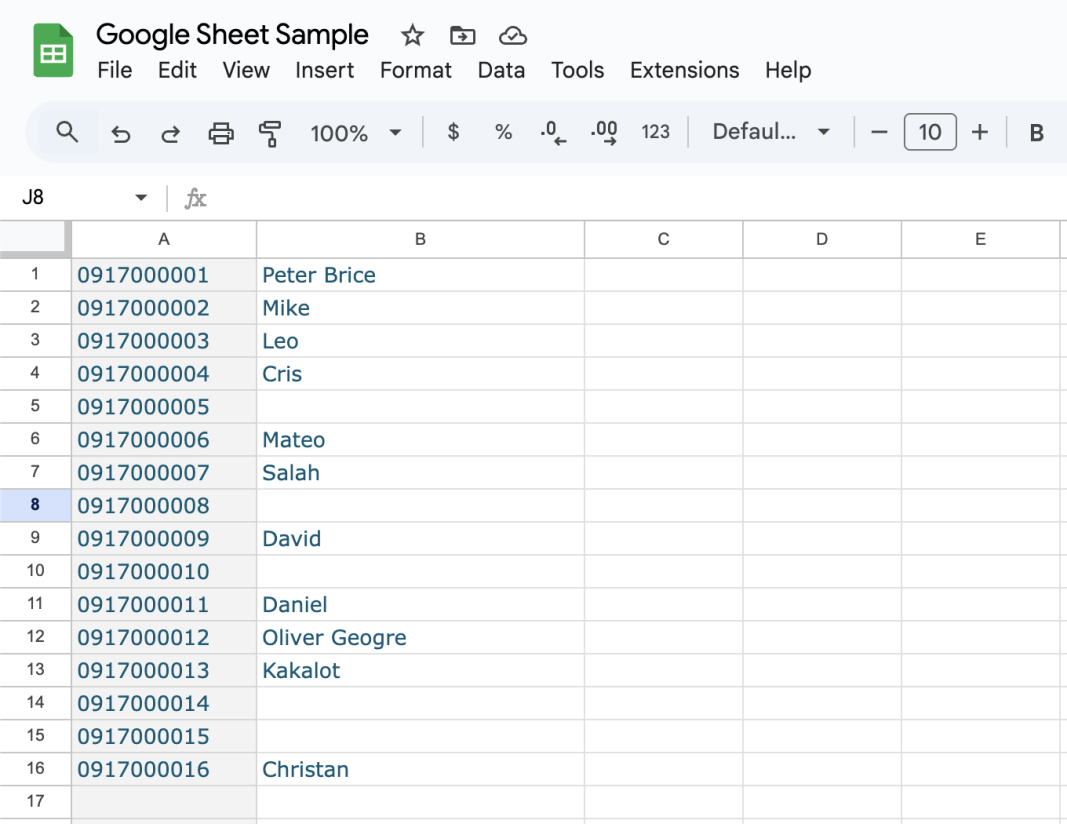
2. Input the phone number in first column (required), and name for the second column (optional).
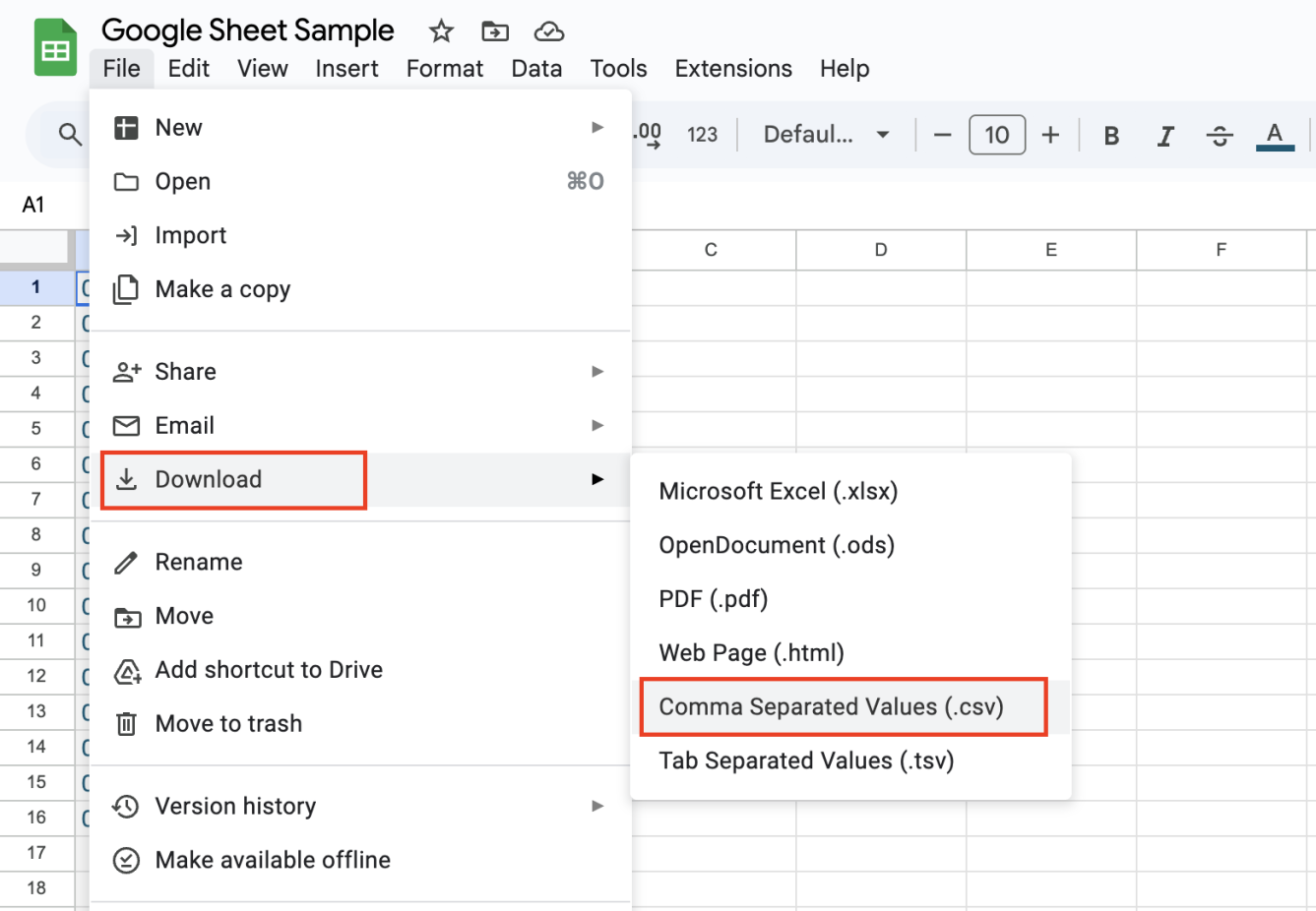
3. Save the file in .csv format.
4. Copy this CSV file to your phone.